
Perhaps you remember a well regarded app called password manager that Intel bought in 2014, and later Intel introduced True Key, a rebranded...
Perhaps you remember a well regarded app called password manager that Intel bought in 2014, and later Intel introduced True Key, a rebranded update of PasswordBox. Among all the other password managers, True Key offers some of the best multi factor authentication available, including facial and fingerprint recognition.
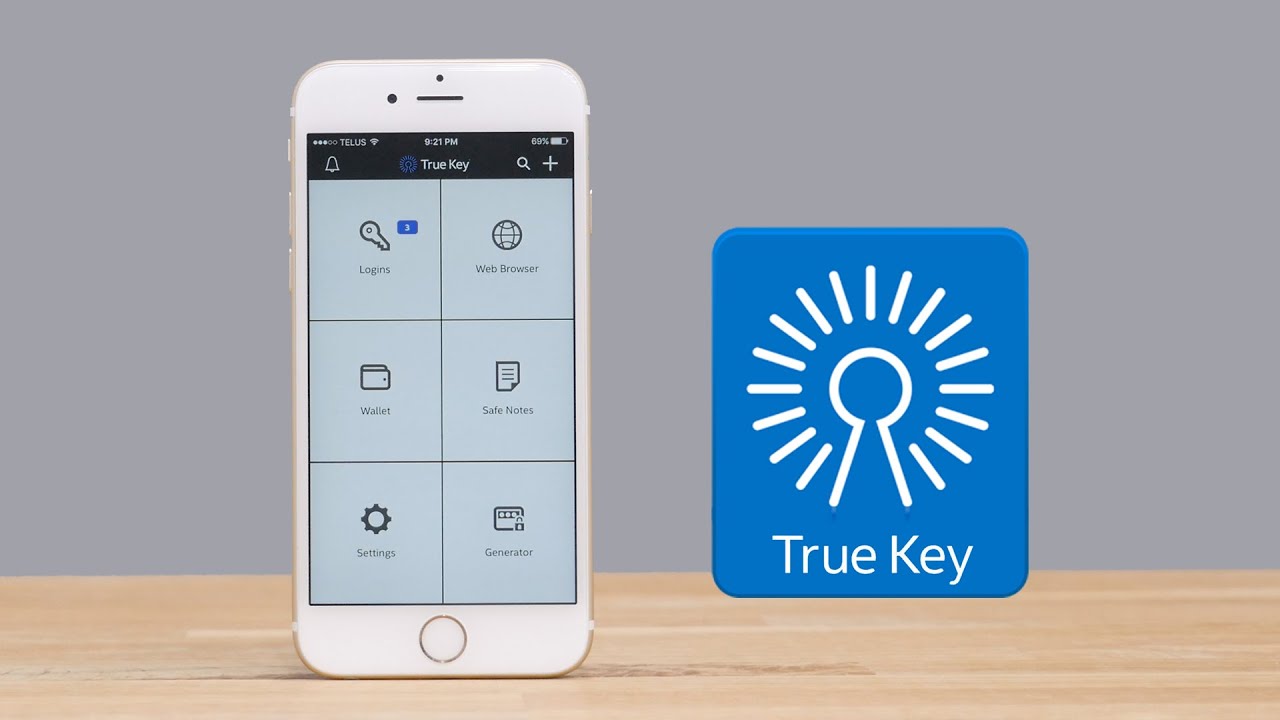
Inside the app there's predefined set of 30 popular web applications templates, whilst you can always add a new login combination from the extensive search for list, or set up a new one. Other feature includes generating complex passwords, creates secure notes, and adding personal data inside the application’s wallet.

When first time to use the app, user will need setup True Key account that has a master password which is one of methods to log into the application. Intel also uses Basic authentication to encourages users to increase security by switching to Advanced authentication, for which customers can choose one of the following combos: face biometrics & master password, master password & Touch ID, and Face & Touch ID.
In addition to the standard Face option, True Key can also record what they call Enhanced Face. This requires a turn of your head left and right so more unique physical spots can be detected, automatically enhancing the security of the authentication process. The app also offers desktop version, It can be run on Windows and macOS.

True Key is currently available for Windows, Mac, Android and iDevices, while True Key for iOS (Free) is very easy to use and its graphical user interface is clean and intuitive. It works great whether you are browsing or on app, any app or website that requires login will support True Key Instant Login.
Inside the app there's predefined set of 30 popular web applications templates, whilst you can always add a new login combination from the extensive search for list, or set up a new one. Other feature includes generating complex passwords, creates secure notes, and adding personal data inside the application’s wallet.

When first time to use the app, user will need setup True Key account that has a master password which is one of methods to log into the application. Intel also uses Basic authentication to encourages users to increase security by switching to Advanced authentication, for which customers can choose one of the following combos: face biometrics & master password, master password & Touch ID, and Face & Touch ID.
In addition to the standard Face option, True Key can also record what they call Enhanced Face. This requires a turn of your head left and right so more unique physical spots can be detected, automatically enhancing the security of the authentication process. The app also offers desktop version, It can be run on Windows and macOS.
When it comes to choosing a password manager, True Key has couple of things to take into consideration: ease of use, expected functionality, authentication methods, and the overall look and feel of the app, the password manager app excels at all of these things.





COMMENTS